



Enhancing JavaScript performance hinges on adopting effective code optimization techniques. Such practices not only boost webpage responsiveness but also improve user experience significantly. While some optimizations are universally beneficial, it's crucial to determine the specific needs of each project by using built-in browser tools for an initial performance evaluation. This approach helps identify areas that genuinely require enhancement without wasting resources on unnecessary modifications. From efficient DOM manipulation strategies to minimizing load times and leveraging asynchronous methods, various tactics can lead to substantial improvements in how a website functions. With an emphasis on judicious JavaScript usage, avoiding excessive reliance on frameworks when simpler coding suffices, developers can strike a balance between functionality and speed. Starting with 'Efficient DOM Manipulation Strategies'.
Efficient DOM Manipulation Strategies
Efficient DOM manipulation hinges on the principle of doing less to achieve more. Minification, by trimming down file sizes through character reduction, significantly lightens your JavaScript's load. Pairing minification with compression techniques like Gzipping and Brotli enhances performance further by compressing files beyond mere size reductions. A critical aspect involves understanding JavaScript’s role in browser rendering processes. Since browsers execute all functions within one main function as a single task, breaking code into multiple tasks via "yield" functions prevents long execution blocks. This strategy allows high-priority tasks such as UI updates to proceed unhindered. Another key area is animation handling where efficiency can be drastically improved by preferring CSS animations over JavaScript for essential animated elements. The Web Animations API facilitates this shift towards CSS-based animations offering better speed and resource efficiency while ensuring smoother experiences even on low-powered devices. Event management also plays a pivotal role where optimizing event tracking and handling conserves processing power notably during continuous events like game states or mouse movements inside a canvas element. Event delegation simplifies coding and improves site responsiveness by reducing the number of event listeners. Minimizing direct DOM interactions streamlines changes, enhancing user experience across different hardware capacities.
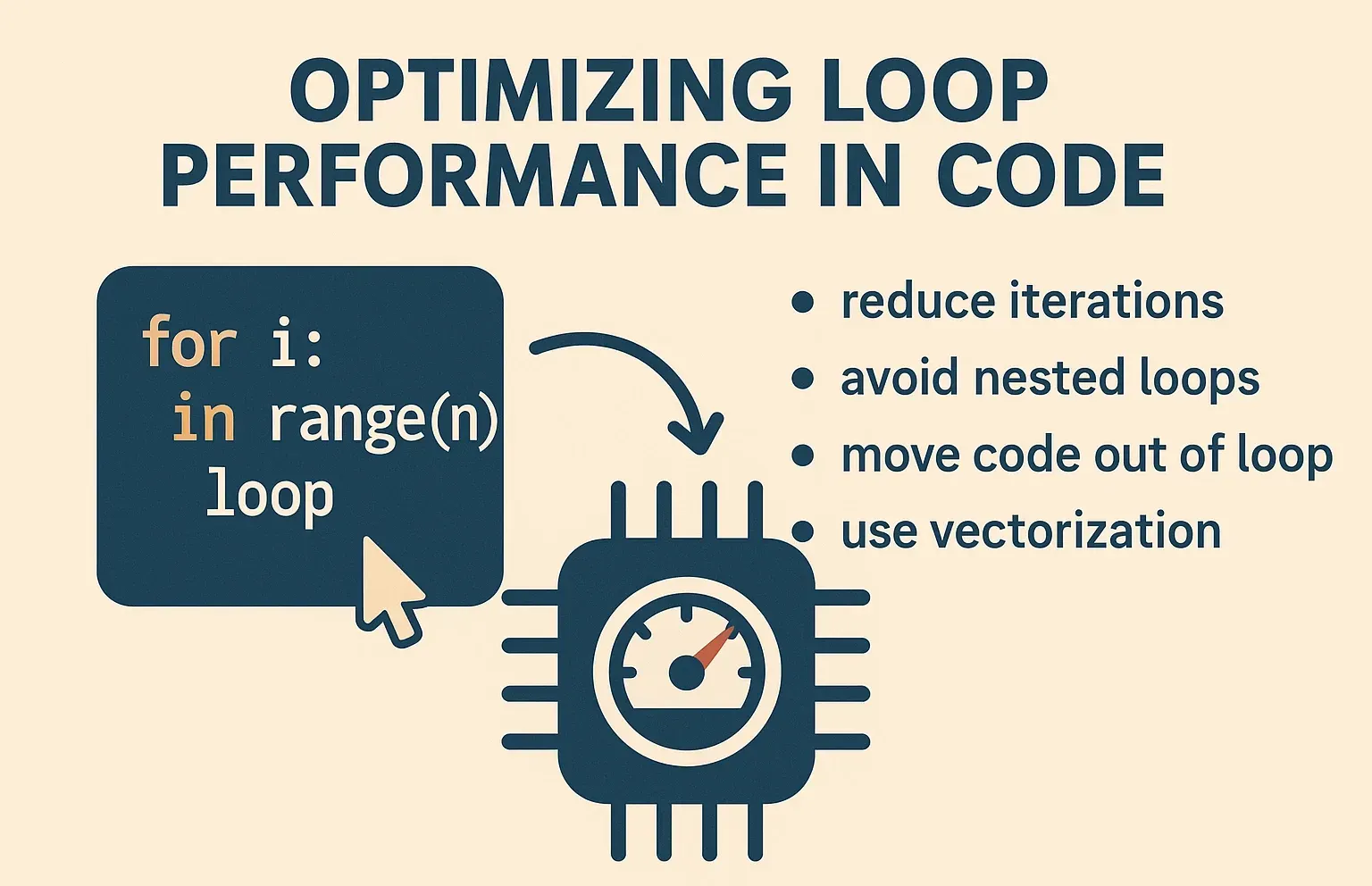
Optimizing Loop Performance in Code
Optimizing loop performance in code directly impacts an application's speed and efficiency. Loops are vital for iterating through data sets, a common task in web development. However, not all loops perform equally well. To enhance JavaScript performance significantly, developers should opt for modern iterators like forEach(), map(), filter(), and reduce() over traditional for or while loops. These advanced methods streamline the process by applying specific functions to each element within an array without manually managing the loop counter or exit condition, reducing errors and increasing readability. Moreover, these techniques often come with optimization under the hood that can handle large arrays more efficiently than their older counterparts. But it doesn't stop there; combined with lazy loading strategies, like dynamic imports, that load scripts only when needed preserves bandwidth and speeds up initial page loads dramatically by fetching assets on demand rather than upfront. This technique is particularly effective in scenarios where certain features might not be immediate requirements upon visiting a site but could become relevant based on user actions. Immutable data structures prevent accidental modifications, saving debugging time and enhancing loop performance. They ensure high code maintainability and optimize execution times for faster applications.
Leverage Just-In-Time Compilation Benefits
Just-In-Time (JIT) Compilation stands as a pivotal optimization technique in software development, particularly beneficial for languages like Java, C#, and JavaScript. Essentially transforming high-level code into machine-executable instructions during runtime rather than beforehand enhances program performance significantly. The process commences with the initial conversion of source code to an intermediate form that remains ready for execution upon demand. As a program operates, JIT compilation kicks in by converting segments of this intermediary language directly into CPU-understandable instructions. A critical advantage here is the caching of compiled codes which eradicates repeat compilations and paves the way for quicker future executions. Furthermore, JIT compilers don't just translate; they optimize. By eliminating unused codes or streamlining loop operations among other enhancements, these compilers ensure generated machine code isn’t only fast but also resource-efficient. A standout capability of JIT involves its adaptiveness, modifying compilation strategies based on actual usage patterns observed during runtime, for instance through polymorphic inline caching to handle various data types more efficiently without compromising speed. In-depth profiling enables continuous monitoring and re-optimization, ensuring sustained optimal performance over time. JIT compilation excels in dynamic environments, offering flexibility and consistent user experience across platforms.
Adopt Asynchronous Programming Methods
Adopting asynchronous programming methods significantly boosts JavaScript performance. One notable technique involves the use of Observables, particularly seen with libraries such as RxJS. Observables excel in managing streams of data that are asynchronous by nature, offering a powerful tool for developers to handle multiple events without blocking the main execution thread. Another critical component is Web Workers. They provide an avenue for running JavaScript tasks in the background, distinctly separate from the main thread used for rendering and responding to user actions. This separation ensures that heavy or complex operations don't hinder user experience by causing delays or unresponsiveness in the webpage's interface. By leveraging these two methodologies effectively, programmers can craft applications that not only perform better but also offer smoother interactivity and responsiveness. This approach leads to more efficient code management and enhances maintainability due to clearer separation between computational-heavy tasks and UI updates. In essence, incorporating Observables alongside Web Workers into your development practice stands out as a best practice strategy aimed at optimizing application performance through non-blocking operations while improving overall code readability and maintenance efficiency.
Minimize JavaScript Load Time
To slash JavaScript load time, one must master memory management. Efficient handling of application memory keeps the app running smoothly and prevents slowdowns or crashes due to bloated data consumption. The crux lies in avoiding memory leaks, a common pitfall that drags performance down over periods of extended use. Here's how: Focus on minimizing direct manipulation of the Document Object Model (DOM), a frequent cause of excessive resource consumption. When DOM updates are necessary, optimizing these processes ensures speed without sacrificing functionality. This approach is especially critical for applications scaling up with user demands; as more features get added, potential bottlenecks could emerge if not managed properly. Applying such techniques doesn't just enhance immediate loading speeds, it also fortifies your application against future scalability challenges by keeping it lean from the start. However, remember this balance between optimization and complexity; each adjustment towards efficiency should be measured against its impact on code maintainability. Continual refinement based on real-world performance metrics will guide developers toward sustainable optimizations that stand the test of demanding web environments, ensuring apps remain both fast and reliable for users across all platforms.
Implement Event Delegation and Bubbling
Event delegation and bubbling are techniques that profoundly boost JavaScript performance, especially in web applications with numerous interactive elements. By using event bubbling -- where events start from the target element and bubble up to the document's root -- developers can minimize the number of event listeners they need to manage. Instead of attaching an event listener to each individual element, a single listener on a parent element can handle events for all its children. This approach not only simplifies code management but also significantly reduces memory usage since fewer handlers live in memory at any given time. For instance, consider a table with 1000 rows; instead of adding an event listener to each row (resulting in 1000 separate listeners), one could attach just one listener to the table itself. This technique capitalizes on how most browser events naturally bubble up through their corresponding DOM tree until handled or explicitly stopped. Delegating events improves page load times by condensing many initializations into one setup call. This makes complex web apps more responsive and offers smoother user interactions.
Reduce Reflows and Repaints Impact
Reducing the impact of reflows and repaints in web development significantly improves JavaScript performance. Reflows occur when elements on the page change position or dimensions, prompting browsers to recalculate element positions. Repaints happen when changes are made to an element's visual design, such as colors or shadows, without affecting its layout. Minified files from major libraries like Bootstrap and jQuery set a standard by reducing file size for quicker loading times. Automated minification services provided by CDNs further streamline this process, offering efficient versions of JavaScript files with simplified updates and deployments. Thisn't only boosts application speed but also enhances fluid operation. By removing redundancy, eliminating unused code, we cut down both transmission time and browser processing time radically improving site load speeds which leads directly to better user experiences. Employing Promises avoids code blocking and manages multiple async tasks more effectively than traditional callbacks. This results in smoother end-user interactions, easier maintenance, and improved performance through cleaner code and optimized retrieval methods.

Choose the Right Data Structures
Choosing the right data structures is essential because it directly impacts memory management and, consequently, program speed. Garbage collection can relocate objects in RAM, emphasizing the need to manage what stays at high-speed cache levels carefully. Data that's actively used ("hot") gets priority in faster caches but must be compact enough not to overflow these limited spaces. Significantly, 95% of programs encounter bottlenecks primarily due to inefficient Memory Input/Output (I/O). Implementing smaller datasets for processing ensures better performance by keeping critical information within rapid access storage areas. Splitting tasks into manageable chunks enables focusing on small sets of data at a time, minimizing delays caused by frequent memory fetches. Immutable data structures pose challenges as they demand recreating containers upon updates; this additional memory I/O could negate benefits from staying clearheaded about code correctness through immutability. Similarly, large object handling detracts from efficiency because once an object exceeds certain size thresholds, that dictate engine optimization strategies, it defaults back to slower hashmaps for storage operations causing substantial performance dips. Further explaining branch prediction lends insight: streamlining your code so processors more accurately anticipate execution paths enhances running times, sorted arrays process quicker largely due to reduced guesswork for CPUs concerning which instructions follow next. Benchmarking is crucial yet complex and requires granular evaluation of each potential bottleneck. Unsuitable data structures can undo progress from other enhancements.
Utilize Web Workers for Heavy Tasks
Utilizing Web Workers for handling heavy tasks in JavaScript significantly boosts app performance. When a long task runs on the main thread, it can freeze your web application or slow down loading times. This leads to user frustration. By employing Web Workers that operate on separate threads, you ensure the main app stays responsive while still processing demanding tasks. Start by creating a dedicated JavaScript file for worker scripts; this isolates complex operations from the UI's thread. It's crucial to design these workers so they remain efficient since they cannot directly interact with the Document Object Model (DOM). Including error management within these scripts is also vital to catch and address any operational mishaps promptly. Think of Web Workers as specialists working independently under a manager, the main thread, focusing solely on specific duties without burdening their supervisor with additional load. This arrangement allows for smoother operation across web applications, enhancing user experience through quicker interaction and responsiveness. For developers aiming to deploy Web Workers effectively, resources such as MDN, web.dev, and W3Schools offer comprehensive guides covering implementation strategies and best practices. In essence, integrating Web Workers into your development process offers an ingenious solution for optimizing resource-intensive activities behind the scenes ensuring your application remains swift and interactive.
Profile and Debug with Developer Tools
To enhance JavaScript performance, profiling and debugging with developer tools is essential. These tools allow developers to pinpoint bottlenecks in their code efficiently. For instance, the Chrome Developer Tools offer a comprehensive suite of utilities for monitoring execution time and identifying memory leaks which are critical for optimizing web applications. Similarly, Firefox's Firebug provides granular insights into script processing times. A key feature within these tools is the timeline view, allowing developers to see exactly where delays occur during code execution. This detailed breakdown helps identify inefficient functions that may need refactoring or optimization. Another valuable aspect is the ability to simulate different network conditions directly from the browser without needing external testing environments or setups. Developers can understand how their application performs under various levels of connectivity stress by adjusting bandwidth and latency settings., ensuring an optimized experience even on slower connections. Leveraging console methods like `console.time()` and `console.timeEnd()` gives immediate feedback on function runtimes,, making it easier to spot areas ripe for improvement. Using built-in browser developer tools effectively streamlines the optimization process,, providing clear guidance on where efforts should focus to boost overall JavaScript performance.
Embrace Tree Shaking for Cleaner Bundles
Tree shaking, introduced by Rollup and adopted by webpack, plays a vital role in removing unused JavaScript from production builds. This technique relies on the ES6 module system to work effectively. As applications grow, they inevitably accumulate dependencies that aren't always used. By configuring webpack for production, developers can eliminate these unused exports through tree shaking. For example, consider an app with two distinct bundles: one for vendor-specific code and another for app-specific logic. Despite optimization efforts like uglification aimed at reducing file sizes, illustrated by a sample searchable database of guitar effects pedals, the presence of unnecessary JavaScript remains a challenge without tree shaking. The process starts by analyzing static import statements to identify surplus dependencies. In larger projects, tools like Webpack Bundle Analyzer may be beneficial. Ensuring Babel doesn't convert ES6 modules into CommonJS format is crucial. CommonJS hampers effective tree shaking due to its dynamic nature.
Apply Caching for Repeated Operations
Caching refers to storing data in a temporary storage area for quick access. This is crucial since accessing this memory space is faster than retrieving the same data from primary sources like servers or databases. For web applications, caching shines by reducing response times and cutting down on network traffic. Subsequent requests for cached data execute much quicker, enhancing overall application responsiveness. A standout advantage of caching includes minimized computations; particularly beneficial when dealing with complex calculations required frequently across different parts of an application. Notably, it elevates user experience through smoother interactions and reduced page loading times which are key metrics for user satisfaction and engagement. Moreover, offline support via caching enables web applications to remain functional even without internet connectivity, vital for maintaining usability under varying network conditions. Implementing JavaScript caches could start simply using objects as cache stores while ensuring best practices such as managing cache size and setting expiration appropriately based on the nature of stored data (dynamic vs static). It also entails planning around cache invalidation to keep cached content fresh alongside security considerations especially with sensitive information involved. Applying these strategies thoughtfully can significantly boost performance while preserving resources thereby refining both developer outcomes and end-user experiences alike. Improving JavaScript performance through effective code optimization techniques is essential for creating faster, more efficient web applications. Developers should focus on streamlining code, minimizing DOM access, leveraging modern tools and libraries, optimizing loops and algorithms, and employing lazy loading to enhance speed. Efficiently managing memory can also play a crucial role in boosting performance. By adopting these strategies, developers can significantly improve the responsiveness of their applications, leading to better user experiences and higher satisfaction rates.