


TL;DR: Whole-device reservations can strand paid GPU capacity. Teams need workload-based allocation and deliberate placement to recover it. Production telemetry and tenant controls close the loop.
Key Takeaways: - Inventory GPU requests before changing cluster settings. - Match exclusive allocation, time-slicing, MIG, or DRA to workload needs. - Separate workload pools, tune placement, and scale from pending demand. - Measure useful capacity with latency, queue time, and stranded allocation, not utilization alone.
A Full-GPU Reservation Is Not a Full-GPU Workload
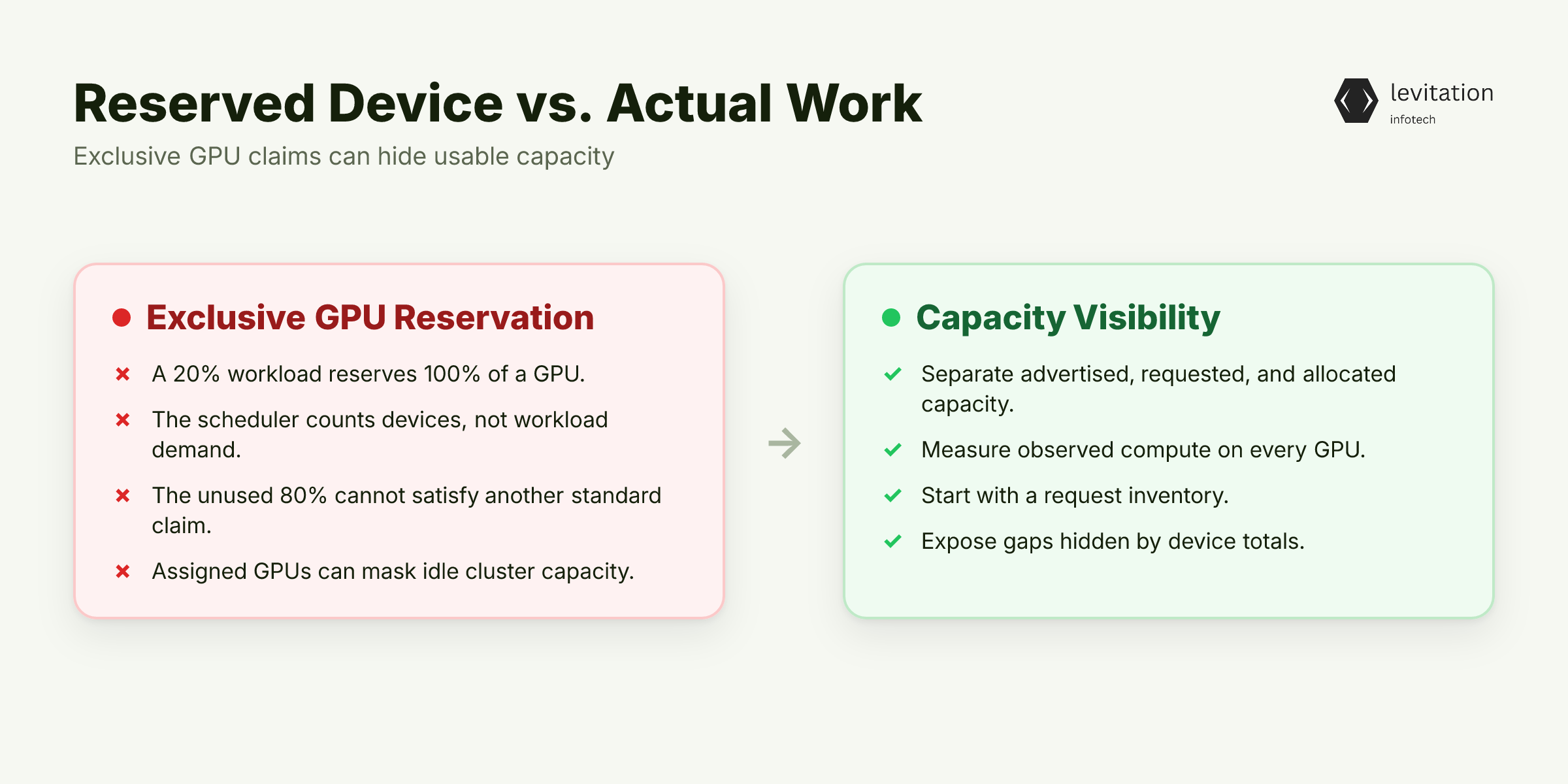
When an inference pod uses 20% of an H100, Kubernetes can reserve the whole device. Other workloads then lose access to the remaining 80%.
The GPU looks fully used in the cluster, but much of the capacity you pay for is unreachable. A device count can hide the gap between assigned devices and unmet demand.
The Scheduler Sees a Device, Not a Demand Curve
Under the standard NVIDIA device plugin, Kubernetes treats `nvidia.com/gpu` as a whole-number extended resource. The scheduler can count each device. It cannot see how much compute the workload needs over time or how much memory it uses.
1apiVersion: v12kind: Pod3metadata:4 name: gpu-reservation-demo5spec:6 restartPolicy: Never7 containers: - name: reservation8 image: nvcr.io/nvidia/cuda:12.4.1-base-ubi99 command: ["/bin/bash", "-c", "sleep 3600"]10 resources:11 limits:12 nvidia.com/gpu: "1"
In this pod, setting one GPU limit reserves one whole device. The request does not describe how much of that device the container will use.
That omission creates waste whenever actual use falls below the reserved capacity. How large can that gap grow?
A 20% Workload Can Still Reserve 100%
With exclusive allocation, a pod that uses 20% still locks 100%. After placement, the remaining 80% cannot satisfy another standard GPU claim.
The device counts as occupied, even when most of its capacity goes unused. What happens when this pattern spreads across the cluster?
A Cluster Can Look Full While Capacity Sits Idle
On a node, every GPU can show as assigned while actual utilization remains below 50%. That gap is not an autoscaler bug. It comes from an allocation model that makes the remaining capacity unreachable.
Track four facts separately: - Advertised capacity: GPUs visible to Kubernetes. - Requested capacity: GPUs claimed by workloads. - Allocated capacity: GPUs assigned to running pods. - Observed work: compute performed on each GPU.
Node counts hide which claims create the misleading total. Which requests reveal the gap behind those totals?
Start With a Request Inventory
Start with claims, not dashboards.
1kubectl get pods -A -o json | jq -r '2 .items[]3 | ([4 (.spec.containers // [])[]5 | (.resources.requests["nvidia.com/gpu"]6 // .resources.limits["nvidia.com/gpu"]7 // "0")8 | tonumber9 ] | (add // 0)) as $app10 | ([11 (.spec.initContainers // [])[]12 | (.resources.requests["nvidia.com/gpu"]13 // .resources.limits["nvidia.com/gpu"]14 // "0")15 | tonumber16 ] | (max // 0)) as $init17 | select(($app > 0) or ($init > 0))18 | [19 .metadata.namespace,20 .metadata.name,21 (.status.phase // "Unknown"),22 (.spec.nodeName // "unscheduled"),23 (if $app > $init then $app else $init end)24 ]25 | @tsv'
On each GPU node, inspect process activity too:
1nvidia-smi --query-compute-apps=pid,gpu_uuid,used_memory --format=csv
For every claim, record its owner, workload class, assigned device, and actual activity. Compare training, inference, and development behavior across the AI/ML training lifecycle. Do not combine them into one average.
If the scheduler only sees whole devices, how can autoscaling and bin packing recover the missing capacity?
Why Autoscaling and Bin Packing Miss Live Demand
Adding nodes can mask the real problem. Default scheduling and the Cluster Autoscaler follow requested GPU resources and pending pods. They do not track actual work inside a device that is already allocated.
Whole-device requests can make idle GPU capacity look like healthy utilization. Test each model against queue time, latency, and stranded allocation. Which one can turn hidden capacity into usable work without increasing contention?
About the author
Mayank Singh is a software developer at Levitation Infotech, where he builds web and AI-powered applications across the company’s fintech, healthcare, and enterprise projects.